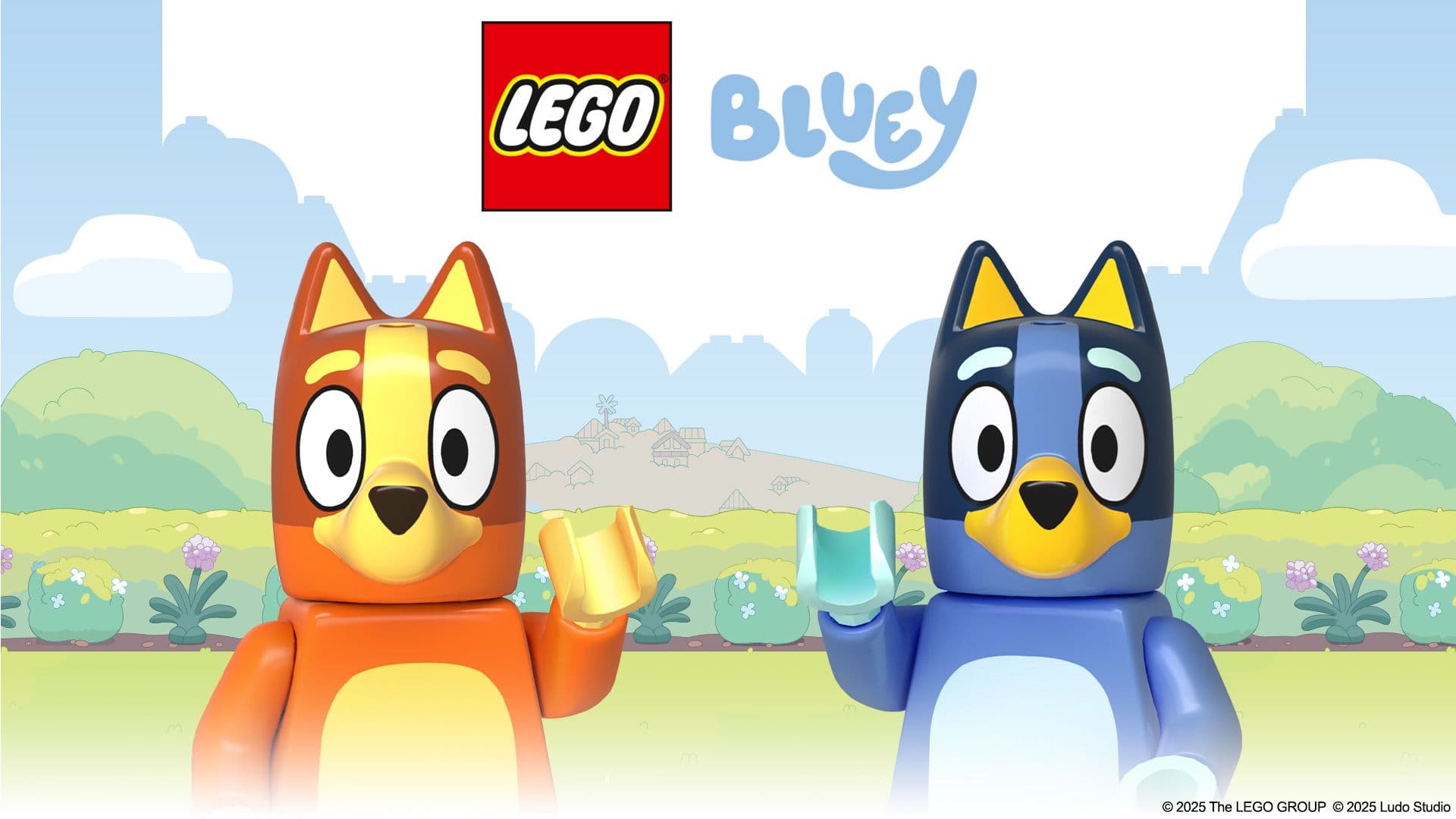
StoryToys was founded in 2008 with the mission of bringing educational apps to kids of all ages. Over the past 17 years, they’ve released apps including Hungry Caterpillar Play School, LEGO® DUPLO® World, Disney Coloring World and LEGO® DUPLO® Peppa.
Their latest title, LEGO® Bluey, launched on August 14, 2025. Developed in collaboration with the LEGO Group and BBC Studios, it targets kids age two to four, and blends fun with early learning.
We spoke with Devon Wolfgang, the principal engineer at StoryToys, and Ryan Dykes, the app’s lead developer about the struggles and milestones of designing an app for kids of different ages and levels of motor skills, emotional intelligence, problem-solving, and humor.
What was the biggest technical challenge when building the app?
Ryan Dykes: Designing for both two- and four-year-olds was a unique challenge. Kids that young engage very differently with apps – two-year-olds often explore through tapping without fully understanding mechanics, while four-year-olds aim to master them.
For example, in the surfing activity, younger players might tap to see Bluey move and react, while older ones will try to collect all the shells and avoid obstacles.
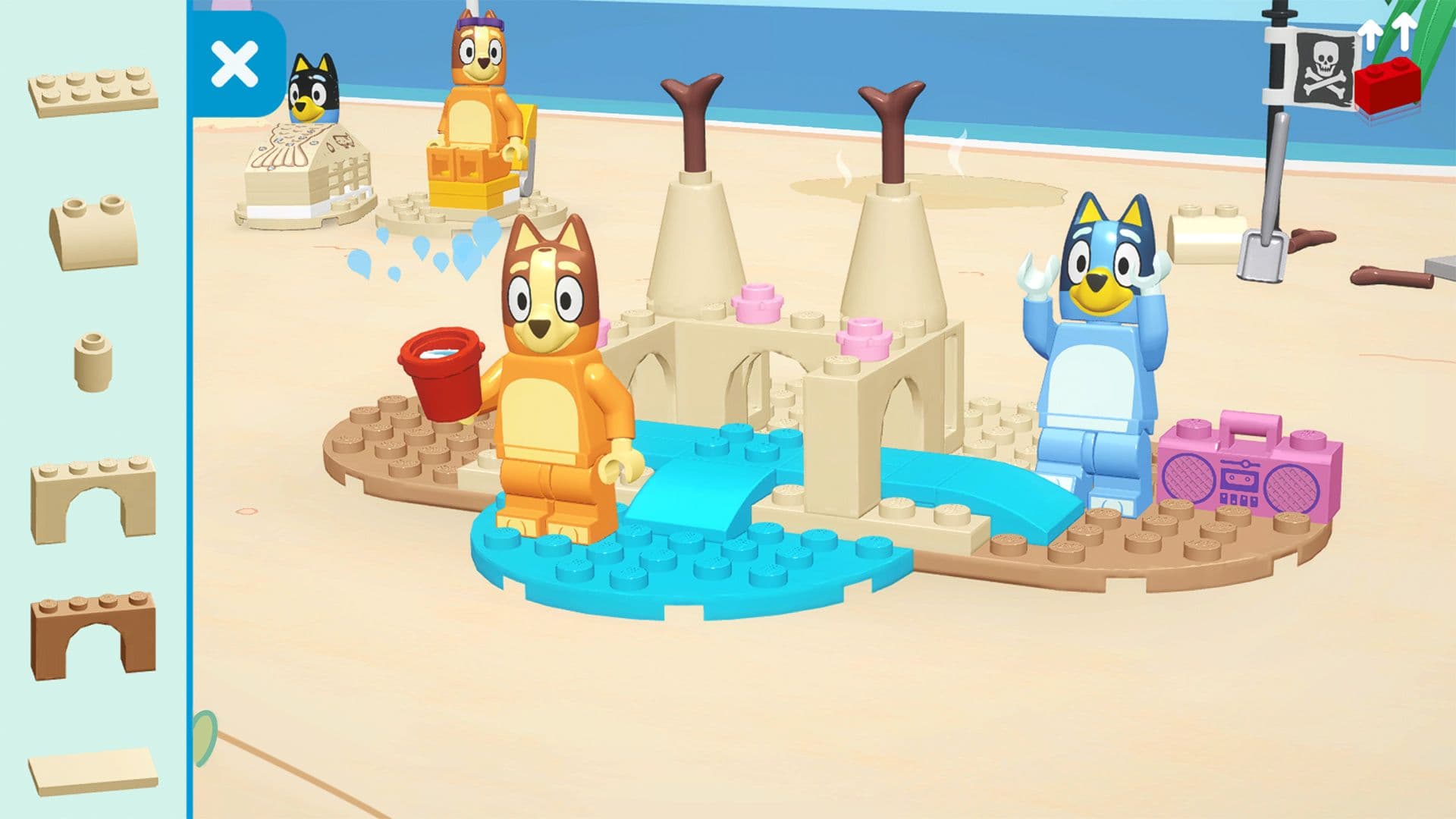
Devon Wolfgang: We designed the app to support that developmental range. In the 2+ LEGO DUPLO experience, brick building is limited to 2D. In the 4+ LEGO play packs, we introduce full 3D building – kids can rotate and position bricks freely, adding more difficulty while keeping it fun for everyone.
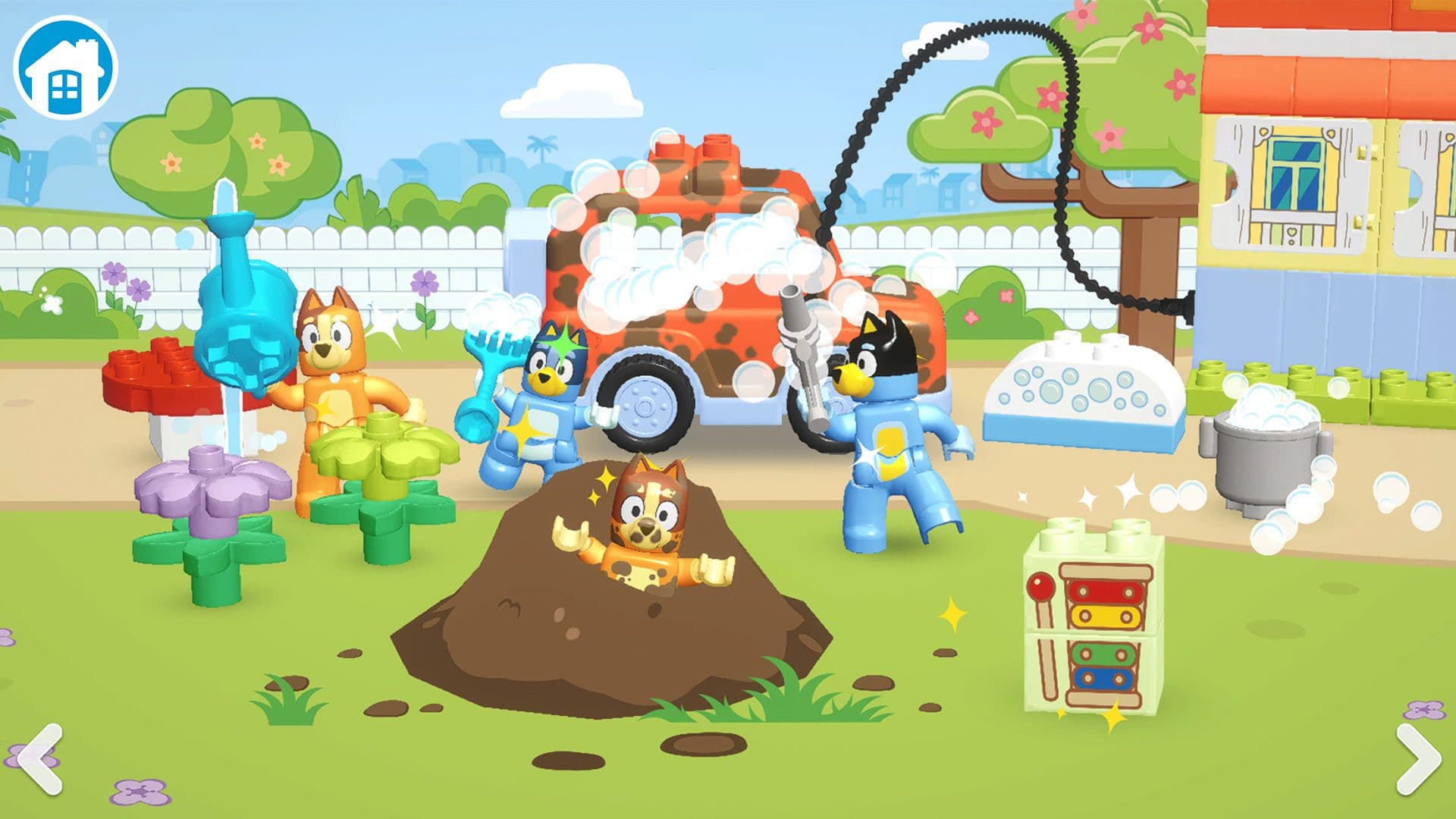
Ryan: The progression is key. The 2+ LEGO DUPLO mode uses a 2.5D plane, while the 4+ LEGO play pack moves into an isometric 3D space. We wanted skills to build naturally. What kids learn in the simpler mode carries into the advanced one, with no contradictions.
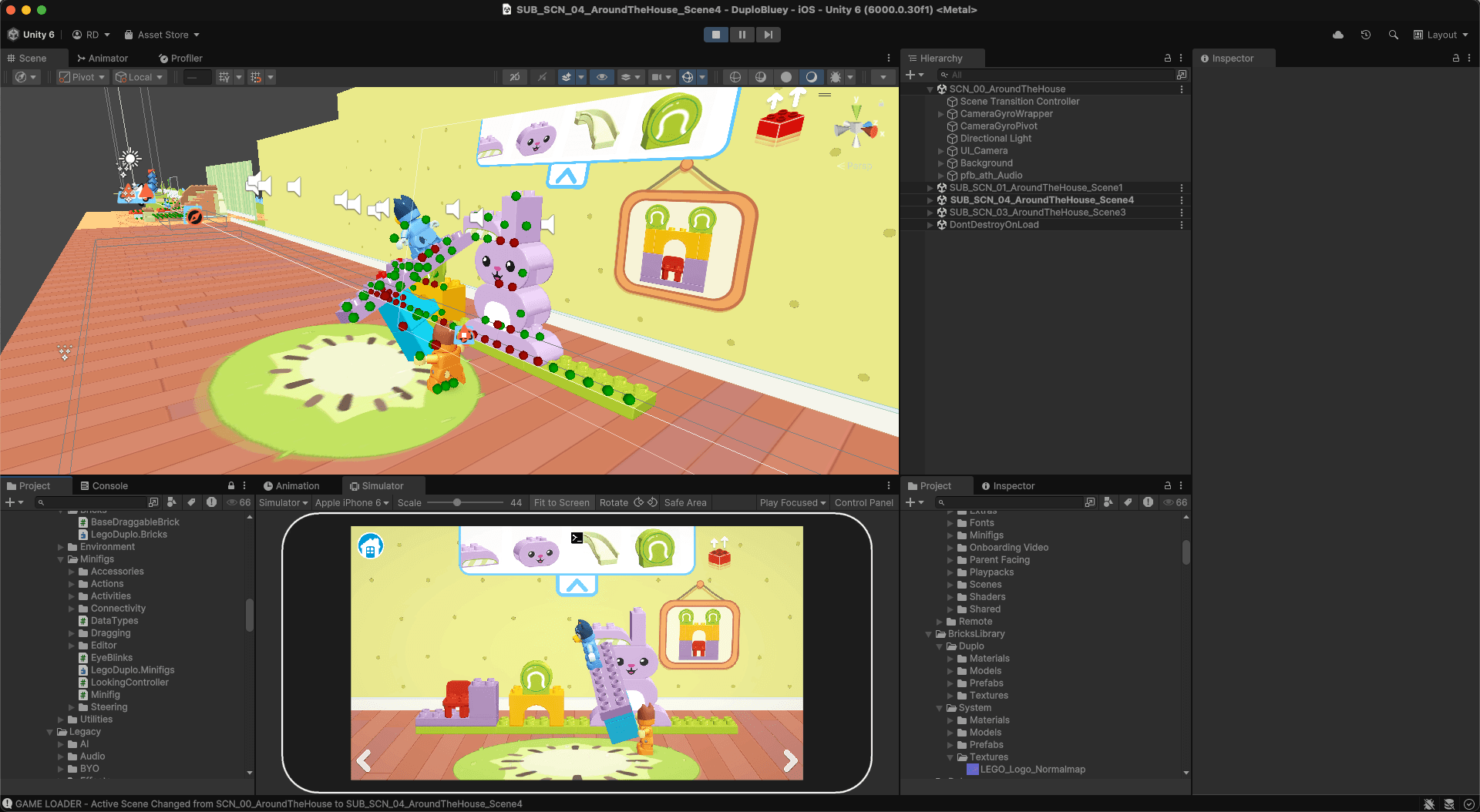
This was our first time implementing full 3D brick building using Unity’s physics-based penetration testing. Previously, we used a 2D matrix with polygon colliders. Now, bricks can be rotated, stacked, or can even hang off edges. This is especially important for older kids.
One major challenge was shifting from fixed brick placement to a flexible system. This introduced complex interactions like minifigs holding bricks while standing on other minifigs, or dynamic stacks being thrown around. It gave players freedom, but required tight control of pegs, holes, and snapping mechanics to avoid chaos.
How did you handle communication for input across age groups?
Ryan: We avoid direct instruction like glowing prompts or full guidance. Instead, we rely on subtle visual cues like wobbles or animations to invite interaction. The goal is for kids to discover things on their own.
For example, when stacking bricks on a car, tapping a brick makes a minifig pick it up, and tapping the car places it. Over time, kids realize they can drag the brick directly. This builds understanding through experimentation – and that’s where visual communication becomes essential.
Devon: We also made a firm rule: no text. Our users can’t read yet, so every interaction has to be communicated visually or through animation. Cues don’t highlight the correct answer – they just show what’s interactive.
Ryan: And to make the experience consistent, we created a custom touch input wrapper around Unity’s drag, tap, and click events. This standardized input handling across the team and made prototyping faster and more reliable. If we teach tapping in one activity, it needs to work the same way everywhere else.
What challenges came with combining system bricks and LEGO DUPLO bricks in the same app?
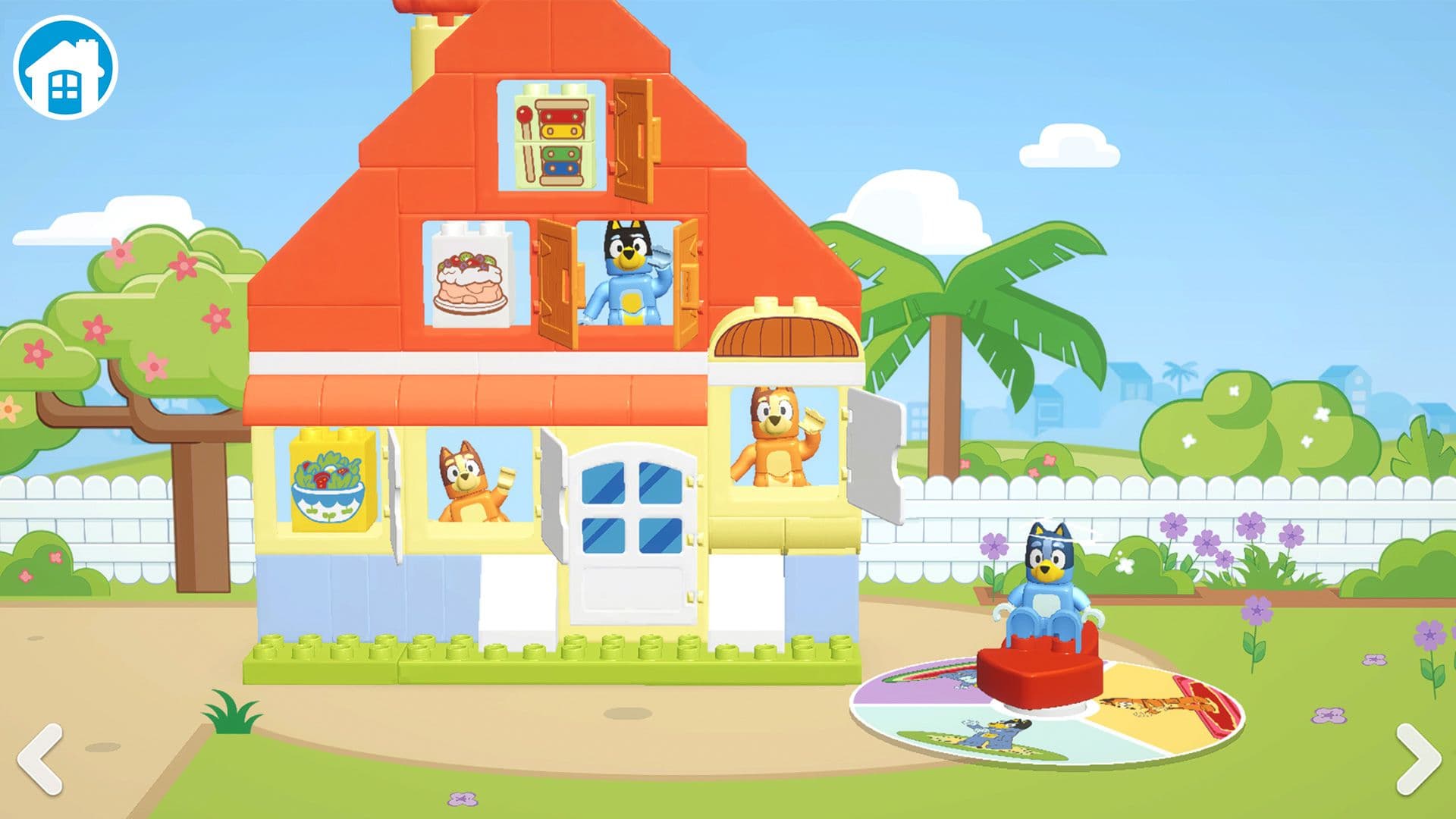
Devon: The design challenges were more difficult than the technical ones. For example, we had to redesign the loading screen because using a LEGO DUPLO character didn’t fit with the system bricks. Keeping the visual language distinct while using shared systems required a lot of iteration.
Ryan: We unified LEGO DUPLO and minifig systems under the same core codebase – only the visuals differ. This allowed us to reuse systems without building separate apps, which was key for sustainability.
How did Unity help you hit your eight-week window?
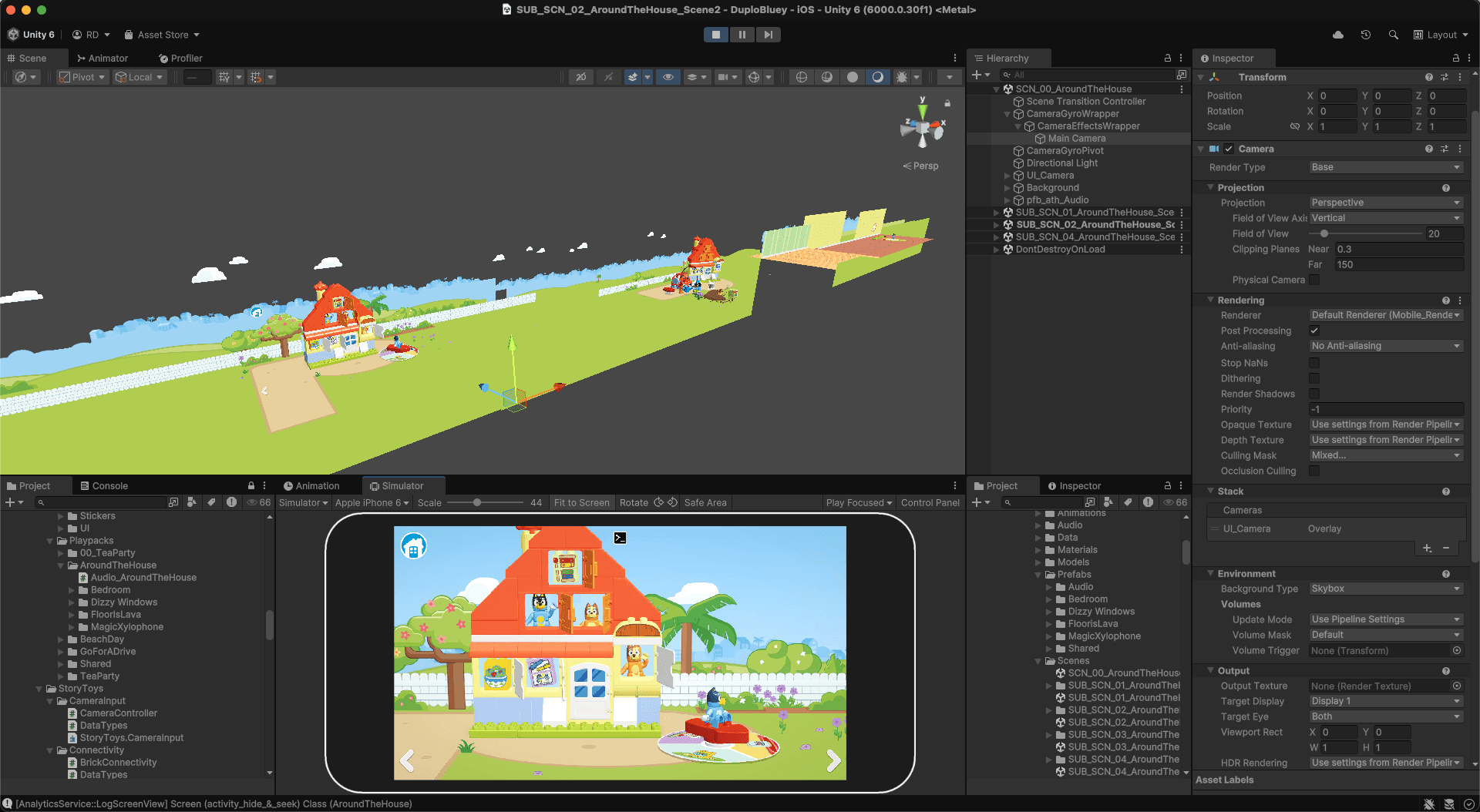
Ryan: Prefabs were crucial. For LEGO DUPLO bricks, each developer worked in separate scenes that loaded at runtime. For the 4+ LEGO play packs, prefabs let multiple team members collaborate on different parts, like cars or animations, without scene conflicts.
How were Addressables instrumental during development?
Devon: We relied heavily on Addressables. Each play pack is a group of Addressable bundles, with most loaded remotely.
Ryan: We used to bundle all assets per play pack, which meant large, redundant downloads. With Addressables, shared assets like the Bluey model are stored once and reused, reducing download size from 200 MB to 60 MB. Updates are faster too, as only changed files are redownloaded.
Devon: Builds used to take eight hours. Now, with Addressables, it’s down to 20 minutes for the smaller app and around an hour for the larger one.
How was Unity Navigation used in this project?
Ryan: The old 2D navigation system worked fine, but the new one allows for more complexity. Now, minifigs can move off flat planes – like walking up a narrow bridge – which adds depth and flexibility.
What performance-related issues did you run into?
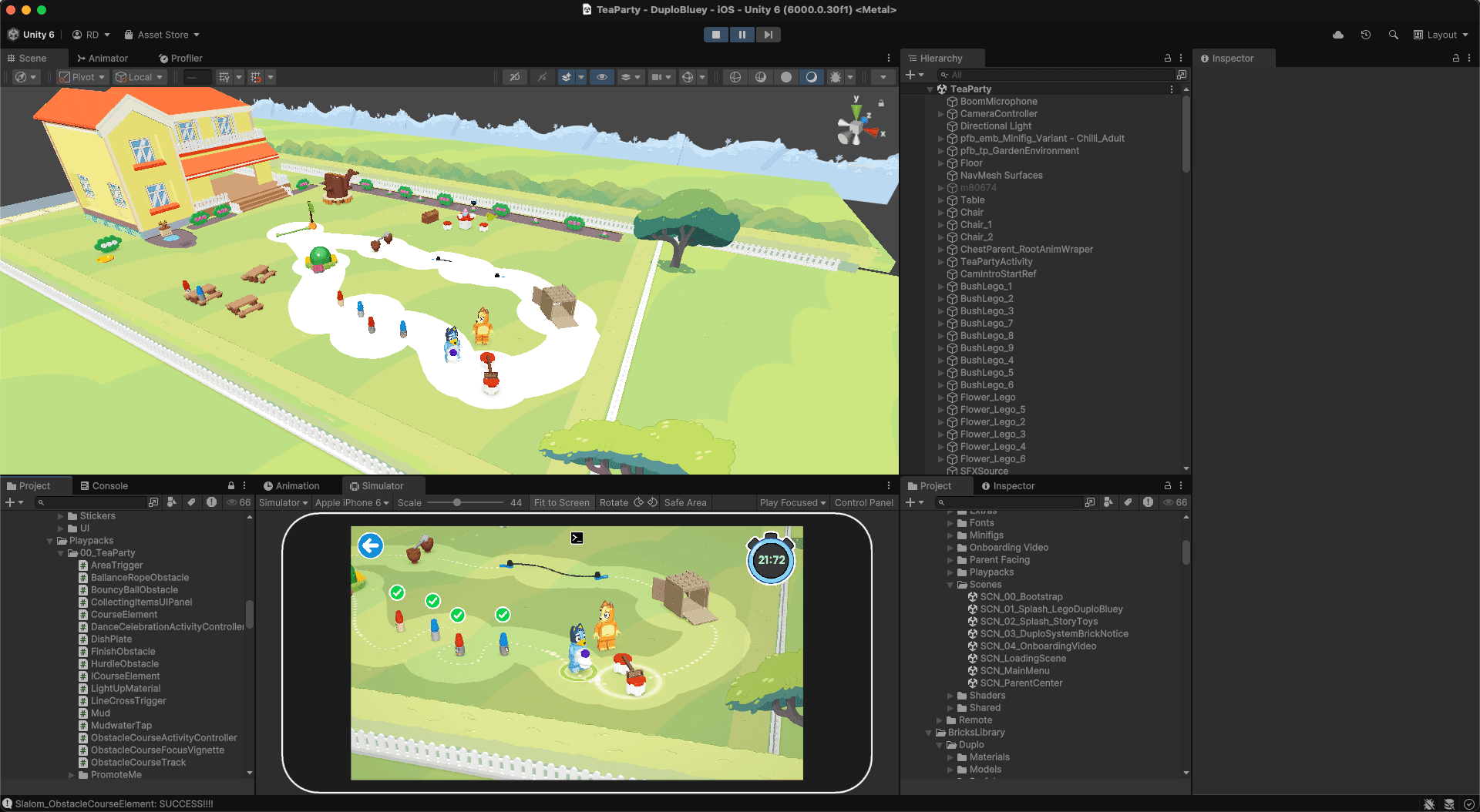
Ryan: One of our main challenges was draw calls. A shader change broke batching, pushing us over 500 draw calls. Using Unity’s Profiler and Frame Debugger, we quickly traced the issue and fixed the shader to properly batch materials. We also optimized our backgrounds by marking them static.
We also noticed background elements like bushes weren’t atlased, causing unnecessary draw calls. Using Unity's sprite atlas system, we grouped them without needing Photoshop, and brought draw calls down to about 200.
What advice would you give a developer looking to build apps for kids of diverse ages and developmental stages?
Devon: Playtest early and often. Get kids in the target age range interacting with your work as soon as possible. Don’t rely on assumptions, and enjoy their reactions – they’re both valuable and fun.
Ryan: Set deliverables early. We use a P1/P2/P3 system: P1 is essential (core loop), P2 adds polish (e.g., celebrations, secondary animations), and P3 is nice-to-have (e.g., like a fish jumping). This keeps focus when cuts need to happen.
Clear project structure is just as important. For LEGO DUPLO, we know it’s four scenes and a master scene. For the 4+ LEGO play packs, it’s isometric in a boxed area. These constraints help focus creativity and avoid scope creep.
Lastly, reusability is key. With our shared systems like touch input and unified code for DUPLO and system bricks, we reuse assets and behaviors across all play packs. This saves time and makes the user experience more consistent.
To read more about projects made with Unity, visit the Resources page.

