Networking a physics co-op game: LEGO® Voyagers

Adam Axler - Unity
Senior Content Marketing Manager
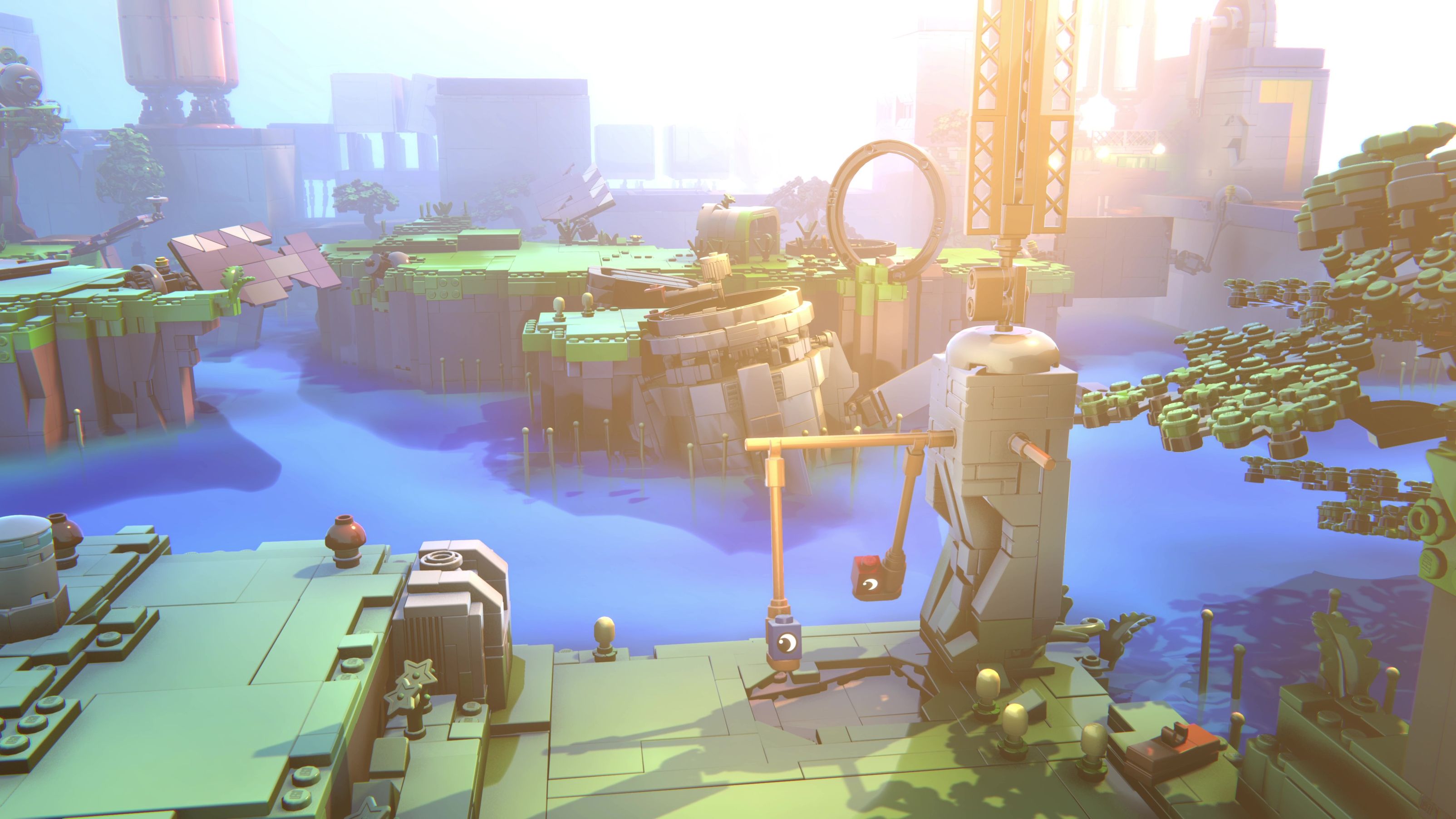
Founded in 2020, Light Brick Studio is an independent team focused on craftsmanship and player insight. Their latest release, LEGO Voyagers, is a co-op adventure about two friends pursuing their dream of becoming astronauts. It launched on September 15, 2025 across multiple platforms. The experience relies on sound and interaction rather than dialog, letting players feel the story through play.
Online co-op functionality was added late in development, which created unique challenges for the team. We spoke with Kasper Honnens de Lichtenberg, lead programmer on LEGO Voyagers, and Daniel Zastrow, programmer, about retrofitting online co-op into a physics-heavy project.
What was the main goal while developing LEGO Voyagers?
Kasper Honnens de Lichtenberg (KHdL): We set out to build a fun game that evokes emotion and supports a strong cooperative experience.
Daniel Zastrow (DZ):Our goal was to capture the essence of LEGO play – having fun with a friend, feeling as close as possible to being an actual LEGO brick, and going on an adventure where you experience the story together.
LEGO Voyagers | Light Brick Studio
Which systems were the most technically challenging to implement?
KHdL: Adding online play mid-development meant we needed to keep existing art and design workflows intact. We built tools to automatically convert objects and scenes so teams could continue creating without disruption.
DZ: Networking the attachment system was the toughest. Any brick can connect in countless ways, and two players can interact simultaneously. Since we didn’t build the game for online play, I rewrote much of the logic so the host could validate actions while clients waited. I also smoothed brick attachment transitions to hide latency.
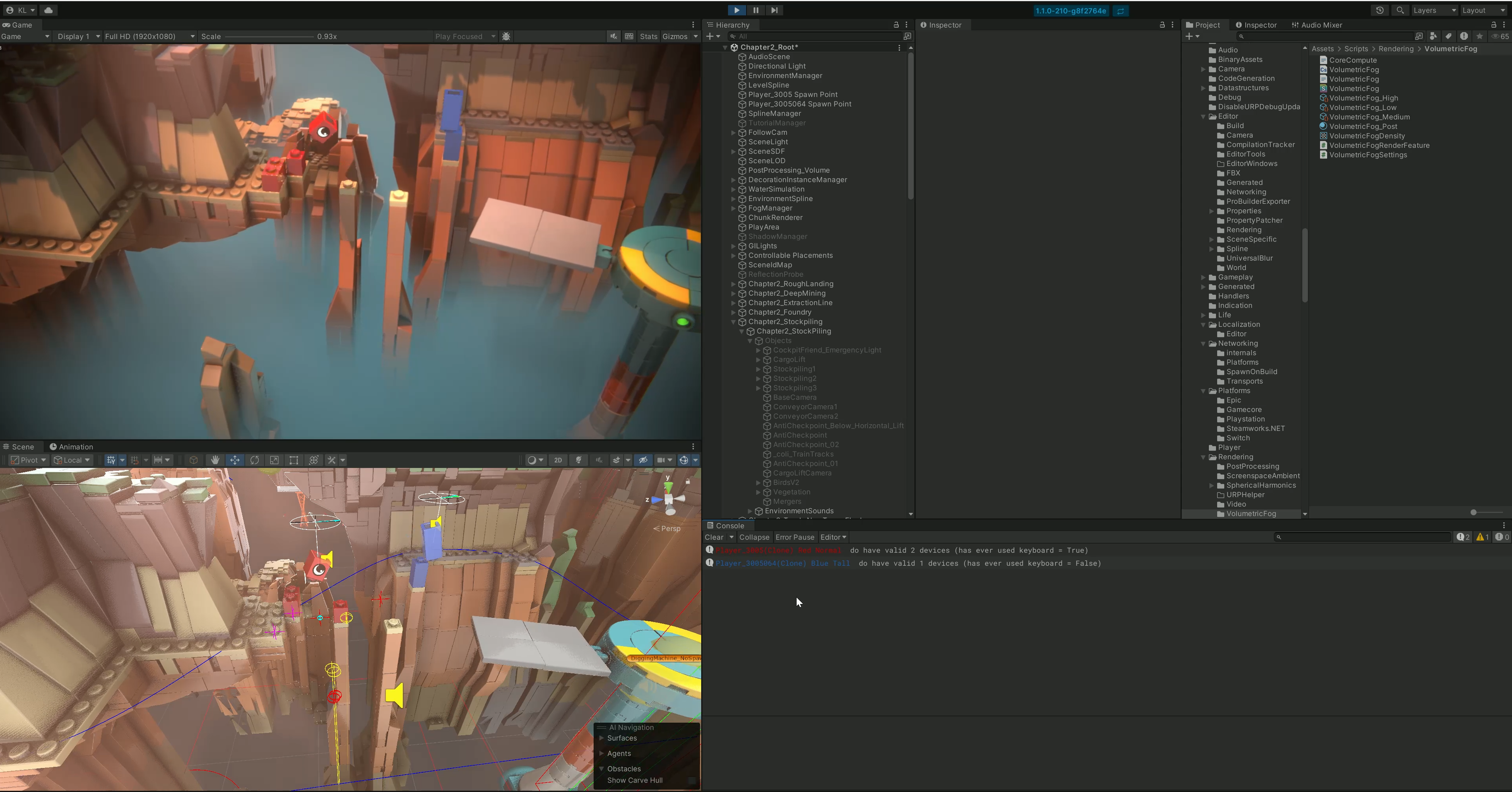
In-Editor screenshot showing debug features of the attachment system while playing
How did NVIDIA PhysX help keep multiple loose LEGO bricks in sync across the network?
DZ: We didn’t chase perfect determinism. Each client simulated physics locally, then nudged objects toward network updates to stay visually coherent. For fast scenarios like catapults, pure physics wasn’t reliable, so we used deterministic trajectories and reenabled PhysX after landing. This hybrid kept the physical feel without glitches.
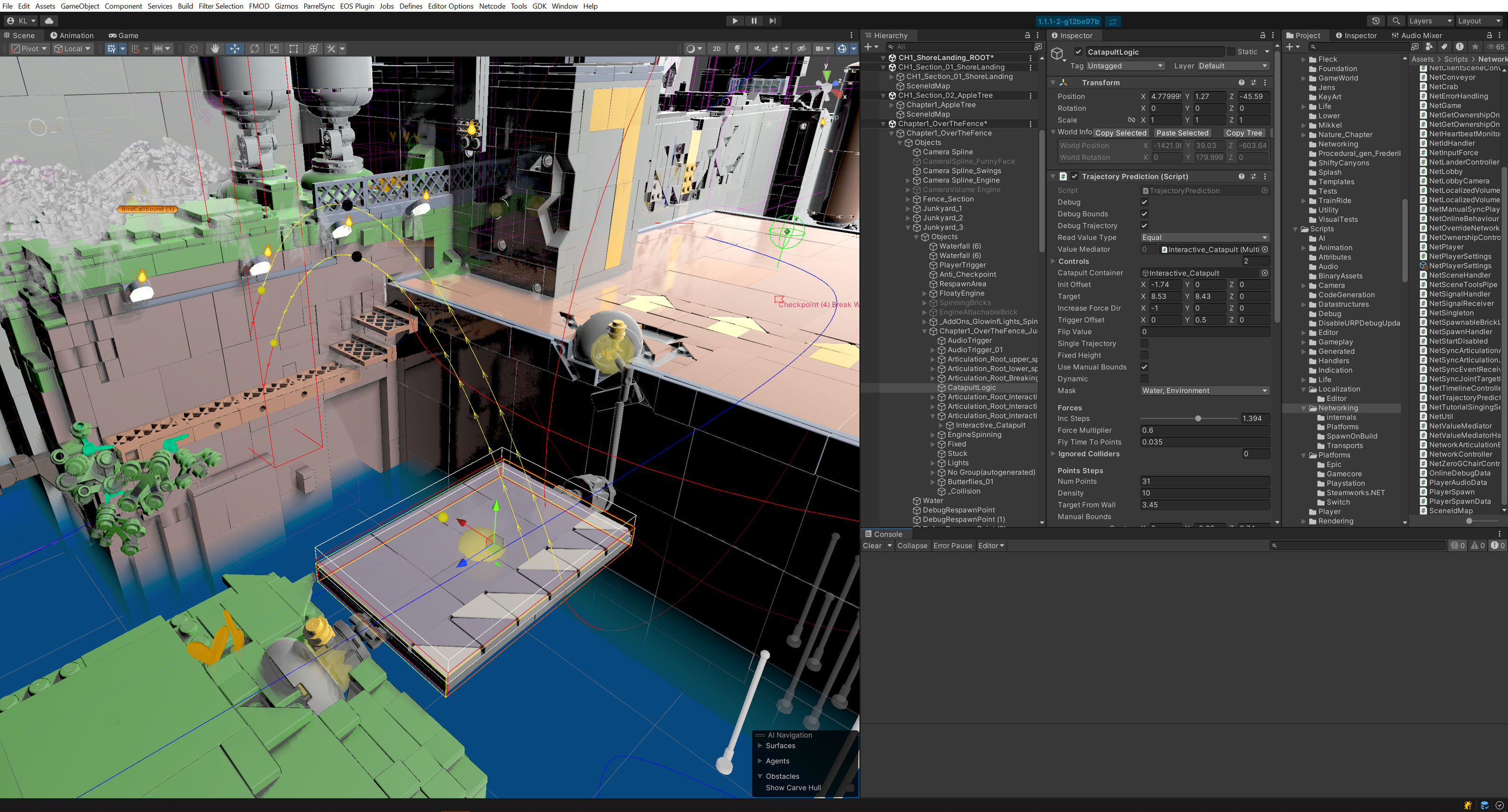
In-Editor screenshot showcasing the catapult trajectory
How did Netcode for GameObjects and Relay streamline your networking workflow?
KHdL: Netcode for GameObjects and Relay let us get online co-op running quickly without building networking infrastructure from scratch. Since online play was added late in development, we needed a stable stack that let us focus on gameplay. Being able to open up and customize the package was crucial, especially for speeding up automatic scene conversion when NGO workflows assumed manual changes. That flexibility helped us fix bugs and resolve issues late in development and ultimately ship the game.
DZ: Designers could continue working offline, and automated scene-conversion tools let us avoid forcing everyone into a single shared scene. We also made a few workflow tweaks without affecting the networking layer’s stability.
LEGO Voyagers | Light Brick Studio
How did cross-platform performance targets shape your physics and networking implementation?
KHdL: Since LEGO Voyagers relies so heavily on physics, performance directly affected networking stability. On the Nintendo Switchᵀᴹ, we targeted 30 fps for physics, which meant carefully optimizing everything around it: collapsing models, using lower-detail assets and shadows, and simplifying heavier features like water. Lighting bakes and model collapse were automatic, but manually triggered.
DZ: From a systems perspective, we had to make sure physics workloads stayed predictable so networked interactions wouldn’t degrade under load. We optimized scripts and rewrote heavier systems when needed, and parallelizing physics operations with Unity’s Job System helped significantly with casts, triggers, and signaling. That gave us more headroom to keep physics simulation and network updates responsive.
KHdL: We profiled every scene, tracked frame drops, and optimized until performance consistently met those targets. Hitting those numbers was essential – not just for visuals, but to ensure physics and networking stayed in sync and felt reliable for players.
LEGO Voyagers | Light Brick Studio
Looking back, what networking approaches would you change?
DZ: We would have started networking earlier. By the time we added online play, the game was essentially finished. Designers had built scenes and mechanics that worked perfectly in local co-op, but they often implemented the same mechanics in different ways under the hood. When we tried to network them, those inconsistencies became a major problem – even if everything looked identical in-game.
KHdL: For example, we had three different lever scripts. That kind of duplication happens naturally when designers prototype gameplay early, but without a shared structure, it creates friction later, especially for networking.
DZ: Without upfront refactoring, we had to adapt multiple versions of the same mechanic. Networking exposes architectural issues – consistency is crucial, or every feature becomes a special case.
LEGO Voyagers | Light Brick Studio
KHdL: Having a lightweight networking structure early on would have helped. Building new features on top of a shared foundation makes automatic conversions and tooling much more effective.
DZ: Another challenge was the physics-driven design itself. It gave us the gameplay we wanted but made networking harder. There’s always tension between prototyping freely and locking things down for technical stability. In hindsight, a clearer transition from experimentation to structure would have helped.
KHdL: It’s a balance. Starting that conversation earlier as a team would have saved a lot of pain.
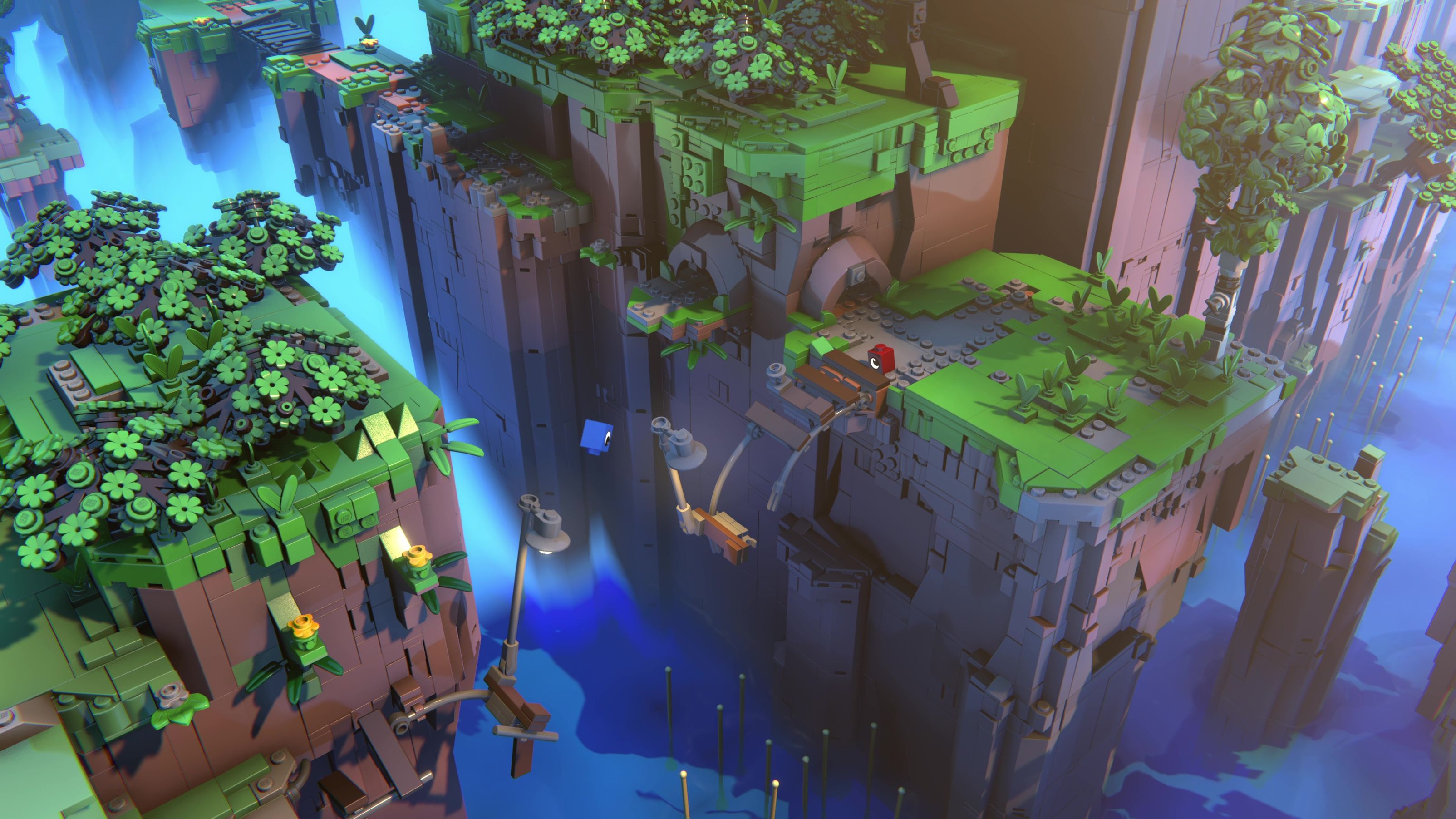
LEGO Voyagers | Light Brick Studio
What tips would you share for handling networking in a cross-platform co-op game?
DZ: Separate execution from validation. Let clients execute actions, but keep validation on the host or server. When those responsibilities are tangled together, networking becomes much harder and leads to fragile, overly complex code. Don’t force 100% determinism if you don’t need it. Aim for consistency that looks and feels right.
KHdL: It’s also important to design to your game’s context. LEGO Voyagers is a casual co-op experience, which allows us to be flexible. Perfect synchronization isn’t always required.
To read more about projects made with Unity, visit the Resources page.
*Nintendo Switch is a trademark of Nintendo.